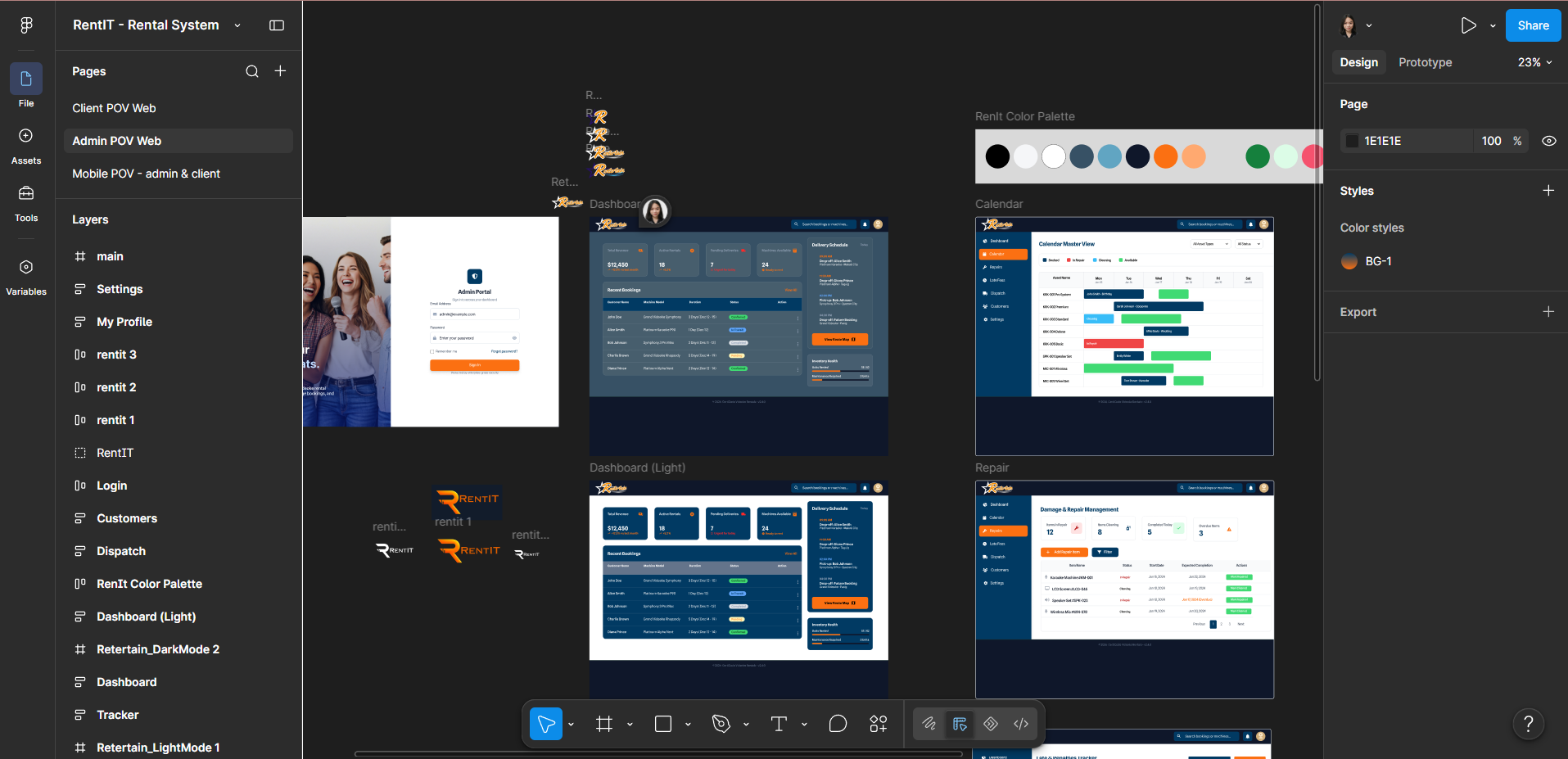
I opened Figma for the first time because I needed it. My capstone project required wireframes and our team had nobody else to do them. I learned it fast, under pressure, from YouTube tutorials and trial and error. What I didn't expect was that learning Figma would change how I think — not just how I design.
The tool itself isn't the story. The mindset shift is. Here's what two years of designing in Figma actually taught me about solving problems.
"Figma didn't teach me design. It taught me that everything is a system — and once you see that, you can't unsee it."
Thinking in Components Changed Everything
The first real Figma concept that changed my thinking was components. Not just "reusable UI elements" — but the deeper idea behind them: isolate the repeatable parts, define the rules once, then vary only what needs to vary.
Before I understood components, I would design 12 slightly different button states by hand and wonder why consistency kept slipping. After components, I defined one button — with variants for size, state, and hierarchy — and the consistency problem dissolved. But more importantly, it made me ask a new question for every design decision: "What is the rule here, and where does it live?"
That question is not just for design. It applies to code (functions and abstractions), to writing (argument structure and repeating patterns), to project planning (what decisions are made once vs. made repeatedly). Component thinking is systems thinking with visual feedback.
Before and After: How My Workflow Changed
Constraints Are a Creative Tool, Not a Limitation
Figma's Auto Layout introduced me to thinking with constraints — not as restrictions, but as design rules that enforce good decisions automatically. You define how elements should behave as the container changes, and Figma enforces that behaviour without you having to re-specify it every time.
This sounds like a software feature. But it's actually a mental model: the best constraints aren't the ones imposed from outside — they're the ones you design yourself, to protect the integrity of the system you're building.
The same principle applies outside design: choosing your constraints deliberately (what tools you use, what hours you work, what kinds of projects you take) gives structure to your output without having to renegotiate the framework every single session.
Five Habits Figma Installed in Me
-
01
Name everything. In Figma, unnamed layers become chaos. In code, in projects, in emails — the discipline of naming things clearly forces you to understand what they actually are before you build them.
-
02
Separate structure from style. Layout decisions first, colour decisions last. This applies to writing too: get the argument structure right before you worry about how it reads.
-
03
Test at multiple breakpoints early, not at the end. A design that only works at one viewport is incomplete. A solution that only works under perfect conditions is the same kind of incomplete.
-
04
Define variables before you need them. Design tokens — colours, spacing, typography — defined upfront make every subsequent decision faster and more consistent. The equivalent in other domains: establish your non-negotiables before you're in a situation where you'd be tempted to compromise them.
-
05
Prototype before you build. In Figma, prototyping a flow takes minutes and prevents hours of rework. In any project, investing time in a lightweight version of the thing you're about to build is almost always worth it — even if the prototype gets thrown away.
How This Transfers to Code
When I started writing CSS seriously, I noticed I was already thinking in the right patterns. CSS variables and design tokens are the same concept as Figma variables. CSS component classes are the same pattern as Figma components. Responsive layouts in CSS are the same discipline as designing for multiple breakpoints.
The hand-off from design to code felt natural because both were just different syntaxes for expressing the same underlying system. Figma taught me to think in systems first and tools second — and that made learning every subsequent tool faster.
The real lesson wasn't in any tutorial. It was in the moment I started seeing a problem — any problem — and immediately asking: what are the components, what are the constraints, and where does this decision live in the hierarchy? That's the question Figma installed in me. It's still the first thing I reach for.